Coral growth tracking with photogrammetry
Our planned workflow uses RadGear rotating aquarium displays to connect repeatable photos and videos with calibrated 3D models, helping reef keepers compare observations of the same coral over time.
1. Identify and capture
Give each coral a lasting identity. Record its species, parent colony, aquarium, and station. Capture overlapping side and upper views with a known-size reference, using consistent camera settings and lighting.
2. Build a calibrated 3D model
Photogrammetry software combines overlapping images to reconstruct visible shape. For aquarium captures, water, glass, reflections, movement, and incomplete coverage must be considered. The planned reconstruction service will require calibration and quality review.
3. Compare growth over time
Compare validated surface-area measurements from consistent captures. Keep the frag plug boundary consistent and record repeat-scan uncertainty. Track survival, tissue loss, missing captures, and water conditions alongside the measurements.
4. Separate observations from conclusions
External 3D shape does not directly establish skeletal density, strength, or nutrient absorption. Those questions require separate validated tests. Poor-quality captures should not become invented growth results.
Current development status
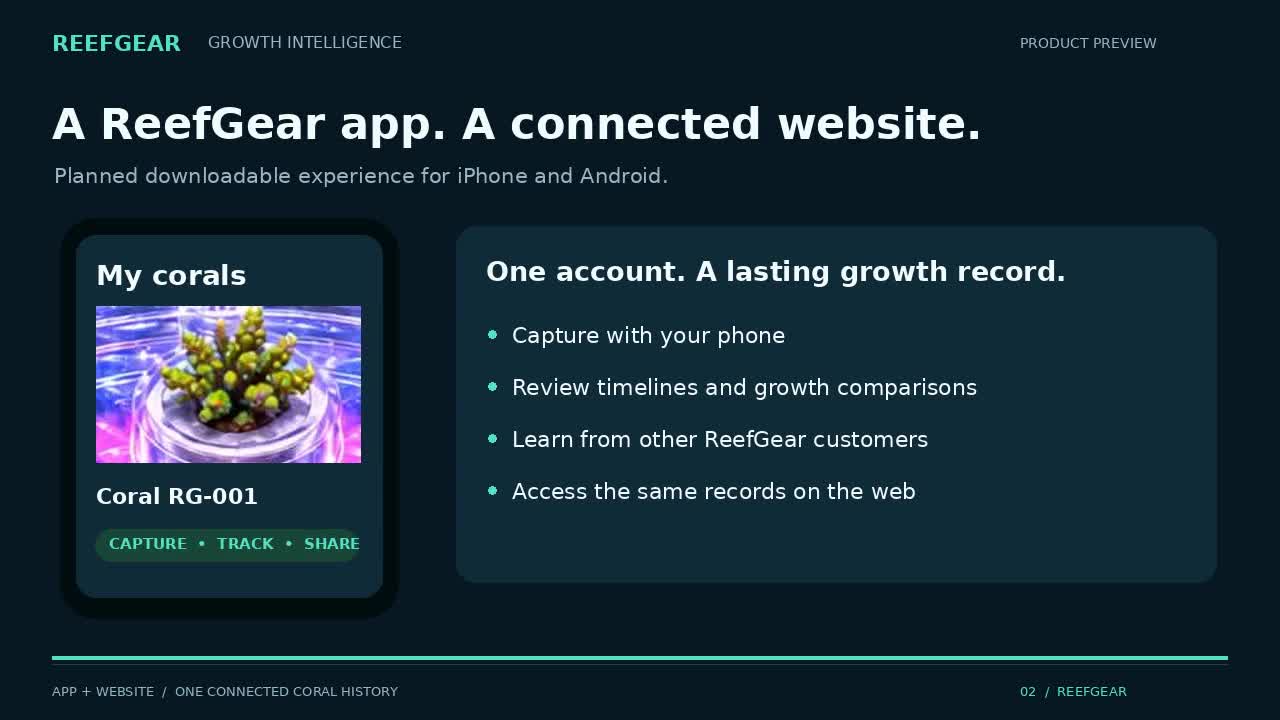
The pilot interface supports coral and capture records for authorized users. Automatic 3D reconstruction is not connected yet, and validated growth reports are not available. The customer app and shared growth-history experience remain in development.